






Update: Share Widget - Choose the Icons to Present
Web Wisconsin • May 6, 2020
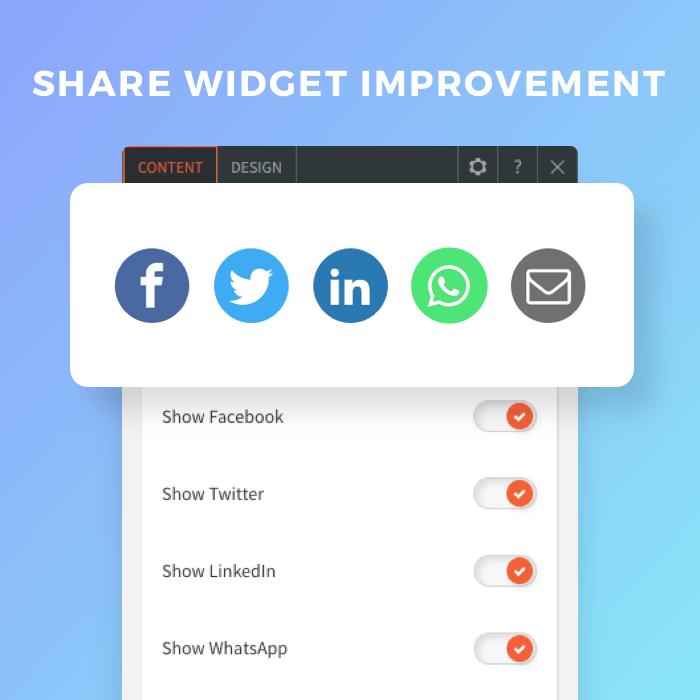
The Share widget makes it simple for site visitors to share your site with their friends. This is important for boosting organic traffic and conversion rates.
More Flexibility in Which Icons You Show
Now you can choose which icons to display on the widget for more design flexibility and enable you to customize the icons to the type of site you’re adding them to.
You’ve got five to choose from:
• Facebook
• Twitter
• LinkedIn
• WhatsApp
• Email
You can display all of them (that’s the default) or show just a few.
Choose from one of two great-looking layouts, one of which comes with the set colors and the other which enables you to choose icon and background colors. Add hover effects to draw attention to the icons when visitors hover.
GET THESE AWESOME FEATURES & MORE!
Click below to get our free updates by email, or if you're not already a client, click to schedule a free demo so we can help your business connect & grow!
Featured Article:

Other Recent Articles From Web Wisconsin:

Web Wisconsin's Connect CRM now has a desktop app for your business
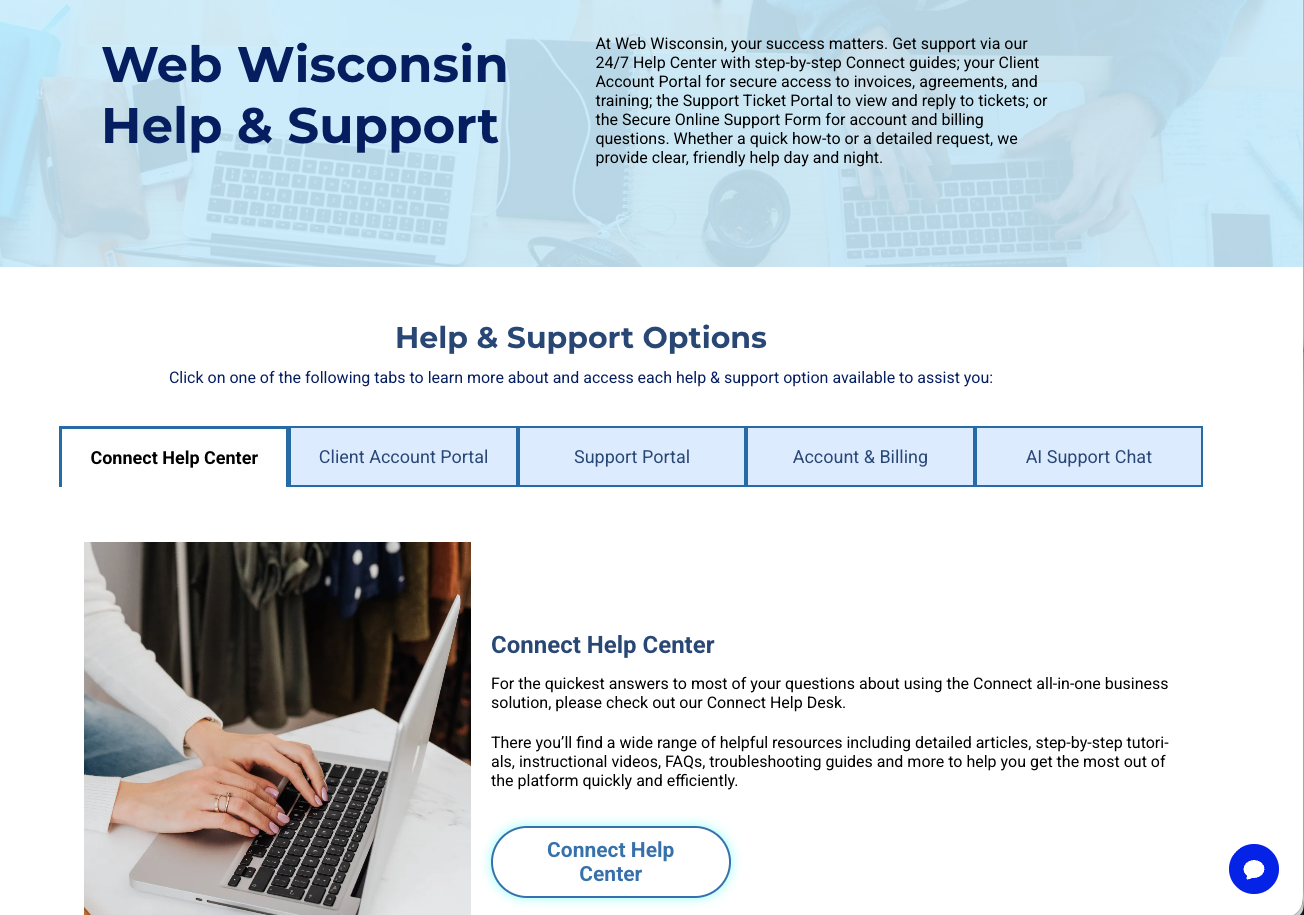
Introducing E7: The Inspiration For Our New Help & Support Center!
Read about the new sales & support philosophy developed by Web Wisconsin's owner, Bob Turner
Connect all-in-one digital business solution updates from Web Wisconsin